
What Is a .VTT File? SRT vs VTT Subtitles Explained (With Examples)
A .vtt file is a WebVTT caption file and .srt is its older, simpler cousin. See real examples, the exact differences, how to open and convert both, and which one to use.
A .vtt file is a plain-text caption file in the WebVTT format. A .srt file is a plain-text caption file in the older SubRip format. Both hold the same basic thing: lines of dialogue, each with a start time and an end time. You can open either in Notepad or TextEdit and read it like a script.
What is a .vtt file?
WebVTT stands for Web Video Text Tracks. It is a W3C specification for putting timed text on web video, and it is the format a browser reads when you add a <track> element to a <video> tag. The files use the .vtt extension and the text/vtt MIME type, and the spec requires UTF-8 encoding.
Because VTT was designed for the web, it can carry more than dialogue: cue positioning, a few text styles, speaker names, comments and chapter or metadata tracks. Most people only ever see the simple version, which looks almost like an SRT file.
WEBVTT

00:00:01.000 --> 00:00:04.200
Welcome back. Today we're covering spaced repetition.

00:00:04.200 --> 00:00:08.500
It's a simple idea: review a fact just before you'd forget it.
What is a .srt file?
SubRip (SRT) is one of the oldest and most widely accepted subtitle formats. Every entry has four parts: a counter, a timecode line, the text (which can run over several lines) and a blank line to finish the entry. There is no header, no styling and no positioning, which is exactly why almost every video editor, player and upload form accepts it.
1
00:00:01,000 --> 00:00:04,200
Welcome back. Today we're covering spaced repetition.

2
00:00:04,200 --> 00:00:08,500
It's a simple idea: review a fact just before you'd forget it.
SRT vs VTT: the real differences
Look at the two samples above and you can already spot most of the differences. This table covers all of them.
| SRT | VTT | |
|---|---|---|
| First line | The number 1 (the first cue) | The word WEBVTT |
| Millisecond separator | Comma: 00:00:01,000 | Period: 00:00:01.000 |
| Hours in timestamps | Always written out | Optional when zero: 00:01.000 is valid |
| Cue numbers | Required | Optional identifiers |
| Styling | None in the format itself | Basic tags: <b>, <i>, <u>, voice (<v>) and more |
| Positioning | No | Yes, through cue settings such as align:left |
| Comments | No | Yes, blocks starting with NOTE |
| Encoding | Not fixed by the format | UTF-8 required |
| Where it shines | Editors, upload forms, maximum compatibility | HTML5 video, web players, anything needing positioning |
A VTT file using the extras
This is what the extra features look like. The NOTE block is ignored by players, <v> names the speaker, and the settings after the timestamp move the caption.
WEBVTT

NOTE Interview, cleaned up on 2026-03-07

intro
00:00:01.000 --> 00:00:04.200 align:left position:10%
<v Host>Welcome back. <i>Today</i>: spaced repetition.

00:00:04.200 --> 00:00:08.500
<v Guest>Review a fact just before you'd forget it.- You are uploading to a platform or tool and are not sure what it accepts.
- You are editing in a video editor (most import SRT without fuss).
- You only need plain dialogue and timing, nothing else.
- The captions will play in a browser through a
<video>and<track>element. - You need captions moved off the bottom of the frame, or speaker names.
- You want comments or metadata kept inside the file.
Which platforms want which?
Most big platforms take both, so the format rarely blocks you. YouTube's help page on supported subtitle files lists SubRip (.srt) and WebVTT (.vtt) among many others. It notes that for SRT only the basic version is supported, with no style markup, and the file must be plain UTF-8. For WebVTT it says positioning is supported but styling is limited to bold, italic and underline.
If you are adding captions to your own site with a <video> tag, VTT is the one the browser expects. For anything else, check the upload screen: it normally says which extensions it accepts, and SRT is the safe default.
How to open a .vtt or .srt file
- 1
To read or edit it, use a text editor
Right-click the file and open it with Notepad (Windows), TextEdit (Mac, set to plain text) or any code editor. Save as plain text in UTF-8 so accents and non-Latin characters survive.
- 2
To watch it with the video, load it in a player
VLC and most desktop players can load a subtitle file next to a video, usually from a Subtitle menu or by naming it the same as the video file. Browsers play
.vttthrough a<track>element. - 3
To see the text without the timestamps, paste it into a document
Open the file as text and strip the number and timing lines, or use a transcript tool that gives you paragraphs directly.
Changing captions.srt to captions.vtt leaves the commas and the missing WEBVTT header in place, so most players will reject it or show nothing. Convert it properly instead.
How to convert SRT to VTT (and back)
For a small file, you can do it by hand in a text editor. Going from SRT to VTT:
- Add
WEBVTTas the very first line, followed by a blank line. - Replace the comma with a period in every timestamp (
00:00:01,000becomes00:00:01.000). - Delete the cue numbers, or leave them (VTT allows identifiers, as long as each is unique).
- Save as UTF-8 with the
.vttextension.
Going back is the reverse: remove the header, put commas back, and number every cue from 1. For long files a find-and-replace on , inside timestamp lines is error-prone, because commas also appear in the dialogue, so use a converter or subtitle editor for anything beyond a few lines.
Getting an SRT or VTT file from a video
If the video already has captions, you do not have to type any of this. UpSolo's free YouTube transcript tool lets you pick SRT or VTT as the output format and download the file, with no account. The same format picker is on the Vimeo and TikTok transcript tools. One thing to know: the downloaded subtitle file ends with a short extra cue reading "Generated with upsolo.me", so delete that last entry if you want a clean file.
Free tool · YouTubeYouTube to TranscriptPick SRT or VTT, then download the file.A tool can only export captions that exist. If you are not sure whether a video's auto-generated captions are good enough to use, read auto-captions vs a real transcript first. And if all you want is the text, how to get the transcript of a YouTube video covers the quickest routes.
Common problems
- •Strange characters instead of accents: the file was saved in the wrong encoding. Re-save as UTF-8.
- •Captions drift out of sync: the file was timed against a different cut of the video. A subtitle editor can shift all cues by a fixed offset.
- •Nothing shows in the browser: a
.vttfile missing theWEBVTTfirst line, or a<track>missingkindandsrclang, is the usual cause. Pages also generally need to serve the file from the same origin or with the right CORS headers. - •Upload rejected: check the file really contains cues and not an empty body, and that you saved plain text rather than rich text.
What is a .vtt file?
It is a WebVTT (Web Video Text Tracks) file: plain text with timed captions or subtitles for web video. It starts with the line WEBVTT and can be opened in any text editor.
What is the difference between SRT and VTT?
SRT uses numbered cues and commas in timestamps and has no styling. VTT begins with a WEBVTT header, uses periods in timestamps, and adds positioning, basic styling and comments.
How do I open a .vtt file?
Open it in Notepad, TextEdit or a code editor to read it. To see it with a video, load it in a player such as VLC, or attach it to an HTML5 video with a track element.
Can I rename .srt to .vtt?
No. The two formats differ in the header and in the timestamp punctuation, so a renamed file usually fails. Add the WEBVTT header and swap commas for periods, or use a converter.
Which is better, SRT or VTT?
Neither is better overall. SRT is the safest for compatibility, and VTT is the better fit for web players and for captions that need positioning or speaker names.
Does YouTube accept VTT and SRT?
Yes, YouTube's supported subtitle formats include both SubRip (.srt) and WebVTT (.vtt). SRT must be basic with no style markup and UTF-8 encoded.
Turn the transcript into something you can study
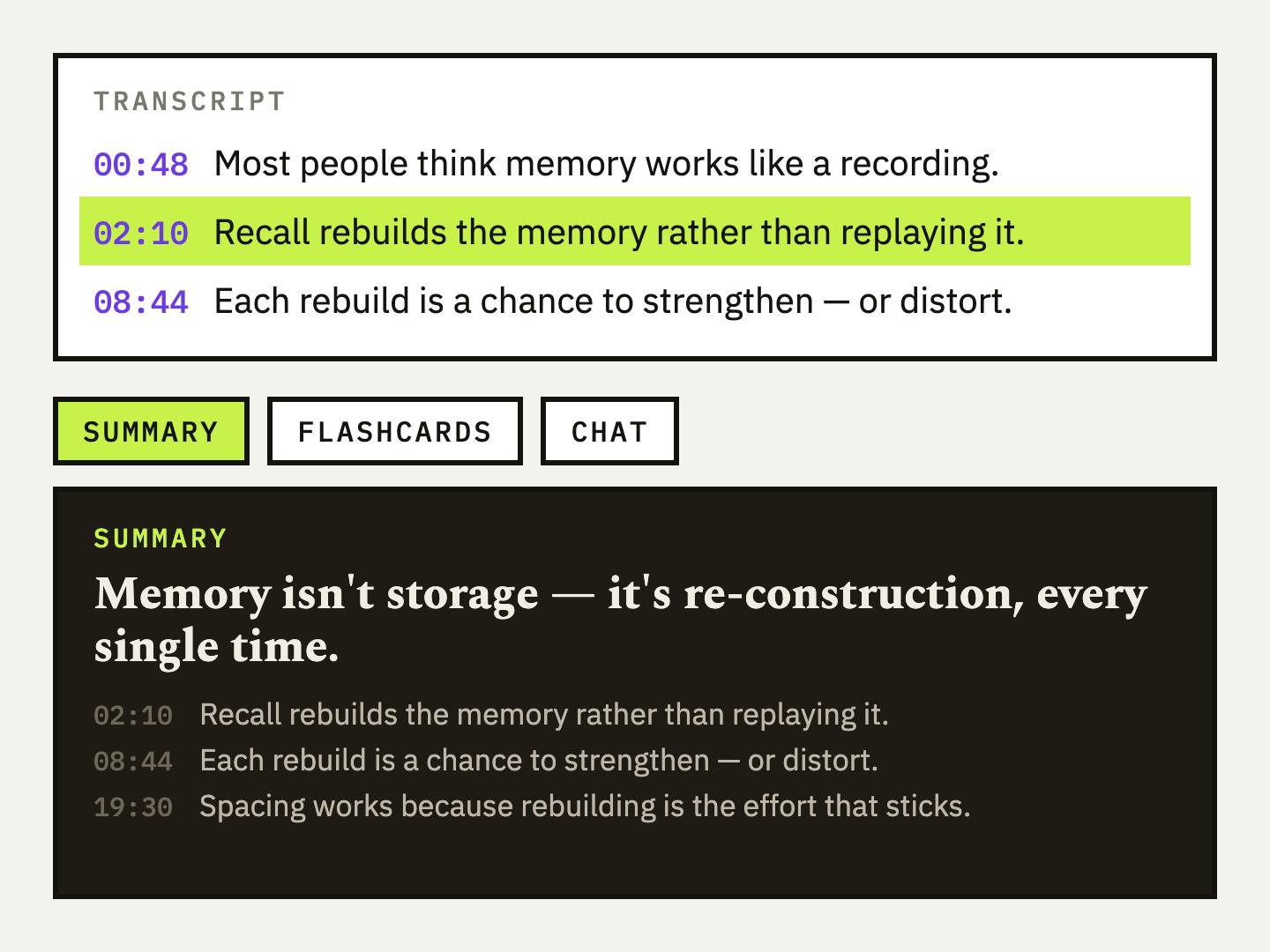
Subtitle files are great for players. If you are learning from the video, UpSolo can also turn its transcript into a summary, flashcards and a tutor chat.
How to Add Chapters to a YouTube Video (Timestamp Rules + Examples)
YouTube's exact chapter rules, a copy-paste description format, auto chapters versus manual ones, and fixes for when your chapters do not show.
Read the articleHow to Get the Transcript of a YouTube Short
Paste a Shorts link, get the text and an SRT or VTT file. Why some Shorts have no transcript, how to do it from your phone, and how to reuse the script.
Read the articleHow to Search a YouTube Transcript (Desktop and Phone)
Find the exact line a YouTube video says: search its transcript on desktop or phone, jump to the moment, and learn why YouTube can't search spoken words.
Read the articleHow to Translate a YouTube Video (Captions and Transcript)
Three ways to translate a YouTube video: auto-translated captions, auto-dubbing, or translating the transcript as text. Steps, limits and when to use each.
Read the articleKeep reading
How to Turn an X (Twitter) Video Into Text
Paste an X post link, get the video's captions as text, timestamped lines or an SRT/VTT file, and learn why some posts come back empty.
Read the articleHow to Get a YouTube Transcript: Desktop, Phone, Free
Get a YouTube transcript on desktop or phone, copy it or download it as text, SRT or VTT, and what to do when a video has no captions.
Read the articleHow to Get a TikTok Video's Transcript (or Script) as Text
Three ways to turn a TikTok into text: read its captions, paste the link into a free converter, or transcribe the audio, plus what each one can and can't do.
Read the articleNext video you watch, keep something from it
Free credits every day, no card required.