The lecture was good. Your notes weren't.
UpSolo reads the transcript of any video — YouTube, Vimeo, Dailymotion, podcasts soon — and hands you a summary, a deck of flashcards, a quiz, and a tutor who has watched it too.
FREE CREDITS EVERY DAY · NO CARD REQUIRED
The video, its transcript, and every tool — in one workspace
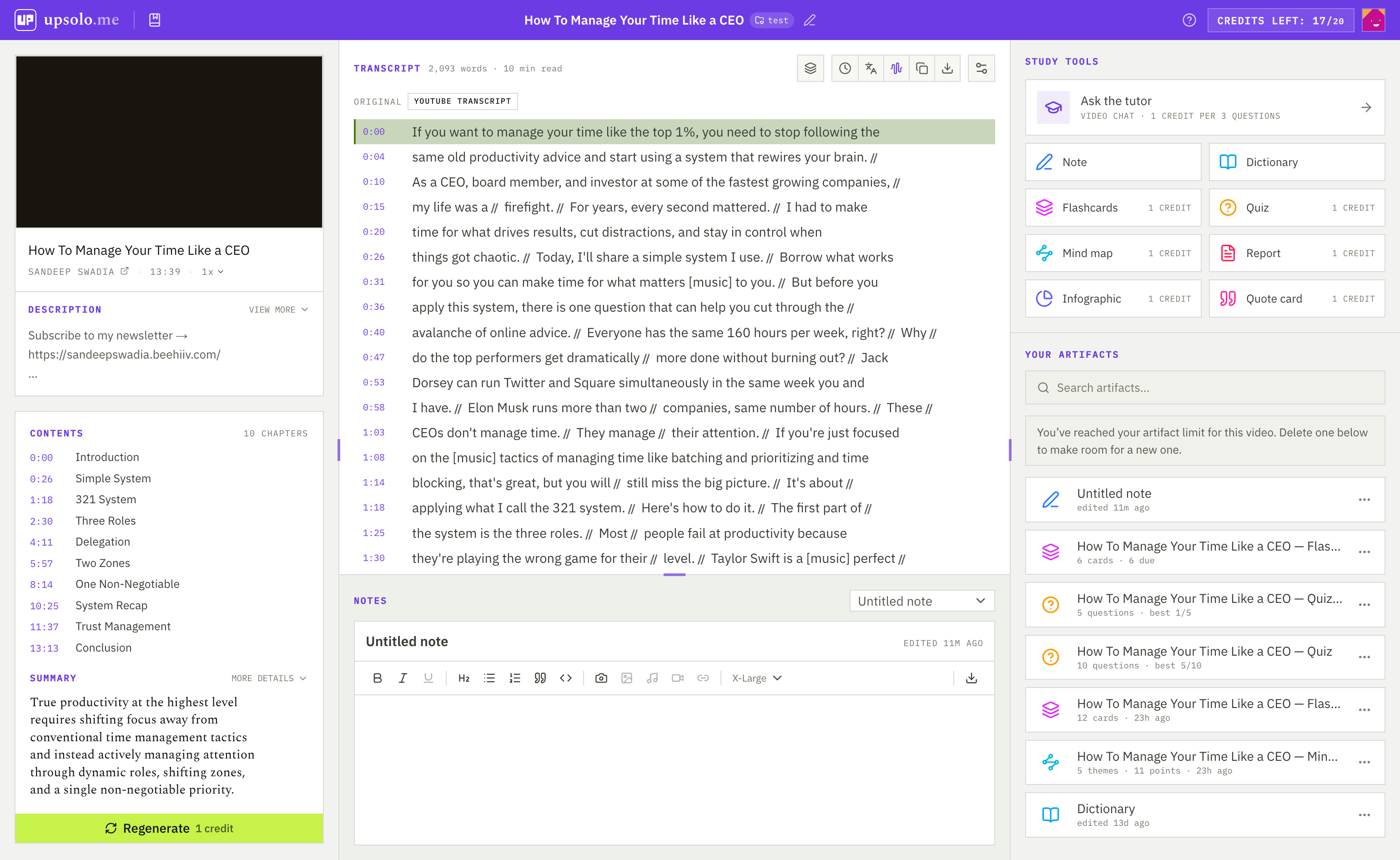
One lecture on how memory works. Three things UpSolo makes from it.
A summary, a flashcard, and a tutor answer — all built from the same transcript.
It takes three steps and no setup
Paste the link
Any public YouTube, Vimeo, or Dailymotion video — or a whole playlist. UpSolo pulls the transcript in seconds — auto-captions included.
Pick your tool
Summary to catch up, flashcards to remember, quiz to check yourself, chat to unstick.
Keep what you made
Cards come back tomorrow when you'd otherwise forget them. Every video, note and deck stays in your library.
Your whole study kit, on one desk
Pick the tool that matches your mood. They all read from the same transcript, so nothing gets out of sync.
Flashcards
Rate each card Forgot, Hard, Good, or Easy — it comes back right before you'd forget it.
Mind map
See how the ideas hang together, and click any node to jump to that moment in the video.
Study report
Key terms defined, arguments laid out with their evidence, and questions to check yourself.
Everything you make stays in one place
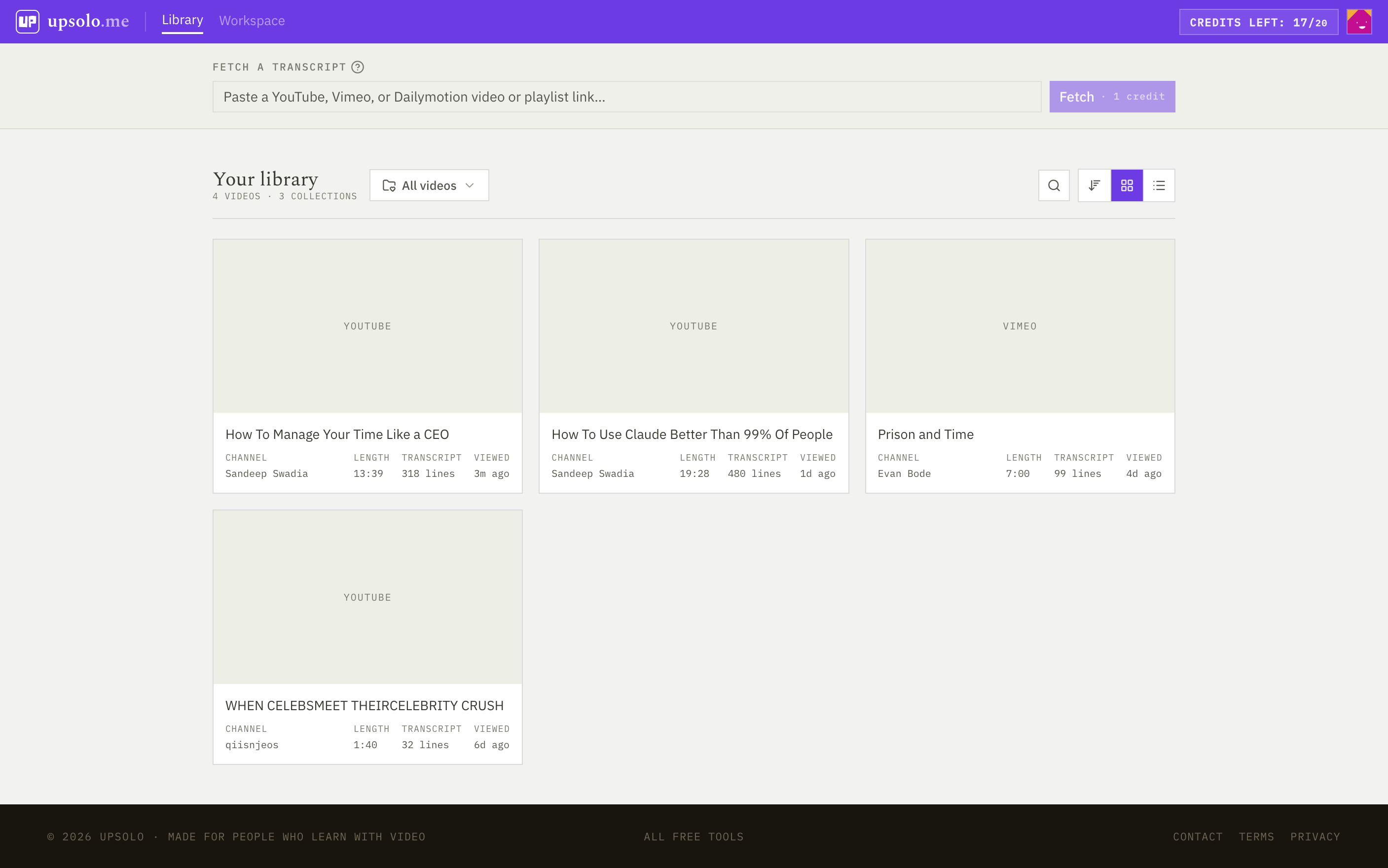
Every video you open, and every summary, deck, quiz, and note you make from it, is saved to your library, ready when you come back.
- Group videos into collections — one per course, topic, or project.
- Import a whole playlist in one go, and fetch each transcript only when you open the video.
- Search your library by title to get back to any video fast.
Just need the transcript?
Paste a YouTube, Vimeo, or Dailymotion link — or a whole playlist — and copy or download the text. No signup needed. Come back when you want to study from it.
Free to start, every day
Sign in and start on the free daily allowance — no subscription, no card needed.
The transcript, right beside the player
No tab-hopping, no copy-paste. Read along on YouTube, and connect your account when you want a summary, the tutor, or a flashcard from any line.
- Synced as it plays. Click any line to jump there, or search for a word.
- Translate into about 150 languages, then copy or download the text.
- Connected: a summary, a tutor, and any line saved as a quote or a flashcard.
 Add to Chrome
FREE · NO ACCOUNT NEEDED TO READ · EDGE COMING SOON
Fair questions
Does it work on every video?
Any public YouTube, Vimeo, or Dailymotion video with captions — auto-generated counts. Podcasts are next. If there's nothing to transcribe, we'll tell you straight away instead of guessing.
How does pricing work?
No subscriptions. You get free credits every day, no card needed, and only spend them when you fetch a transcript or generate something new; highlights, notes and exports are free. Waitlist members keep the full toolkit free for their first term.
Do I need an account?
Not for the transcript tools — paste a link and copy the text. The study tools (summary, flashcards, quiz, chat) need a free account so your work is saved and your cards can come back tomorrow.
Will the summaries make things up?
Every claim links to a timestamp so you can check it in one click. If it isn't in the video, it shouldn't be in your notes.
Is there a browser extension?
Yes, for Chrome: it puts the transcript beside the YouTube player, free and with no account needed. Connect your UpSolo account for the summary, tutor, quotes and flashcards right there. Edge is next.
Can I export my cards?
Yes — flashcards export to Anki, CSV, or plain text, and reports to PDF, Word, or Markdown. Your studying is yours to take with you.
Next video you watch, keep something from it
FREE CREDITS EVERY DAY / NO CARD REQUIRED