
How to Get a Vimeo Video's Transcript (Text, SRT or VTT)
Three ways to get a Vimeo transcript as text, SRT or VTT: Vimeo's own download for your videos, a free tool for any public one, and what to do with no captions.
Searching for a Vimeo transcript usually ends in one of two dead ends: Vimeo's help page, which only covers videos you own, or a "generator" that wants you to upload the file and pay. The truth is simpler. A Vimeo transcript is the video's caption track turned into text, so what you can get depends on whether the video has captions and whether you own it.
Which route fits you
| Situation | Best route | Output |
|---|---|---|
| You uploaded the video | Vimeo's Languages settings | .srt, .vtt or .ttml |
| Someone else's public video with captions | Free transcript tool | Text, timestamped lines, SRT, VTT |
| A whole Showcase | Playlist extractor, then the tool per video | List of links, then one transcript each |
| Private or password-protected video | Only Vimeo, and only with edit access | Caption file |
| No captions at all | Add captions first | Nothing to extract yet |
Option 1: Download it from Vimeo (your own videos)
Vimeo documents this in its help center. You need edit access to the video, and the video must already have captions or subtitles, either uploaded or auto-generated. Vimeo says the feature is available on the Free plan and all paid plans.
- 1
Open the video
Select it in your Library to reach its settings page.
- 2
Go to Languages
Use the left-hand navigation. If you do not see it, check with your team admin about permissions.
- 3
Open the menu
Click the three-dot menu next to the transcript.
- 4
Choose Download
Vimeo gives you the captions as .srt, .vtt or .ttml.
To read or fix the text first, the same menu has a pencil icon for viewing and editing. Vimeo also generates automatic captions on uploads, as long as your Vimeo site language is one it supports. Per its help article on automatic captions, that covers videos uploaded after May 25, 2022, and you can switch them off per video, so check the Languages panel.
Option 2: Use a free tool for any public video
Vimeo's download is built for owners. If you are studying a conference talk, reviewing a client's cut or quoting a lecture, you probably do not have edit access. That is where the Vimeo to Transcript tool helps: it takes the caption track already attached to the video and formats it for you.
Free tool · VimeoVimeo to TranscriptPaste a Vimeo link, pick a format, copy or download. No account.- 1
Paste the link
A plain vimeo.com/ID link works, and so do channel and group video links.
- 2
Pick a format
Paragraphs for reading, timestamped lines for review notes, or SRT/VTT for a subtitle file.
- 3
Set a language if needed
Type a code such as en or es in the Caption language field, or leave it empty to take whichever track the video has.
- 4
Copy or download
Copy the text, or use the download button for the subtitle file.
The tool gives 4 free transcripts a day per visitor and only works where a caption track loads without logging in. Public and unlisted videos with captions work. Password-protected and login-gated videos do not.
Pick the right format
Plain text is for reading, quoting and pasting into notes. SRT and VTT keep the timing, so you need them to caption a re-edit or import into a player. They look alike, but VTT is the web standard and SRT is the older, simpler one; SRT vs VTT covers when each one matters.
WEBVTT

00:00:01.000 --> 00:00:04.200
Welcome back to the studio walkthrough.

00:00:04.200 --> 00:00:08.000
Today we are reviewing the final cut.
Getting every video in a Showcase
A Showcase is Vimeo's word for a playlist (older links use /album/). There is no single "download all transcripts" button, but you can get close. Paste the Showcase link into the Vimeo playlist extractor to get a table of every video's link, title, uploader and duration, with CSV download. Then run each link through the transcript tool. Only publicly served Showcases work. If you need to organize the list afterwards, export a playlist to a spreadsheet shows the workflow.
When the video has no captions
No tool can read words that were never written down. If the owner is you, add captions in Vimeo and download them as above. If it is someone else's video, ask them to add captions, or transcribe the audio with a speech-to-text service you trust. Only do that where you have the right to use the audio.
Pulling a transcript does not give you rights to the content. Quote it, cite it, and ask before you republish it. See how to cite a YouTube video for the same habits applied to video sources.
Do something with it
A transcript is raw material. Search it for the one line you need, or turn it into study material: flashcards from a video, a quiz or notes. The same ideas apply to any lecture video. The same approach works for YouTube links with the YouTube to Transcript tool.
Study from the transcript, not just read it
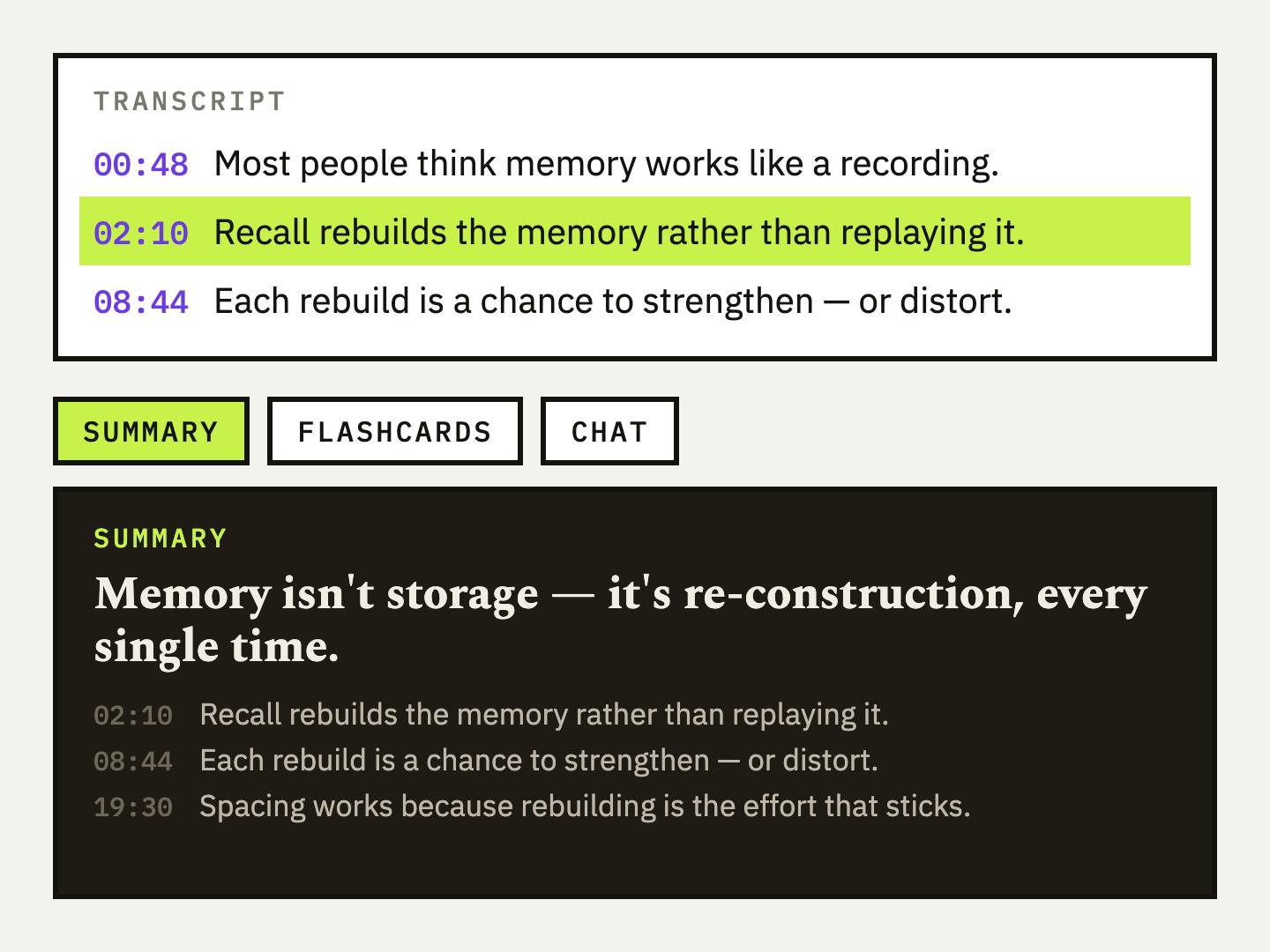
UpSolo turns a video's transcript into a summary, flashcards, quizzes and mind maps you can review later. Sign in to try it.
How do I download a transcript from Vimeo?
If you own the video, open its settings, go to Languages, click the three-dot menu next to the transcript and choose Download (.srt, .vtt or .ttml). For other public videos, use the free Vimeo to Transcript tool.
Can I get a transcript of someone else's Vimeo video?
Vimeo's own download needs edit access, so not that way. A tool that reads the public caption track can, as long as the video has captions and does not need a login.
Is there a Vimeo transcript generator that works without captions?
Not by extraction. Without a caption track there is nothing to extract, so you first need captions, either added by the owner or produced by a speech-to-text service.
What is the difference between a Vimeo transcript and captions?
They are the same words. Captions carry timestamps so they sync with the video, and a transcript is that text read as a document.
Does the Vimeo transcript tool work on private videos?
No. Password-protected or login-gated videos do not load a caption track for the tool. Public and unlisted videos with captions do.
Can I get SRT or VTT instead of plain text?
Yes. Both Vimeo's download and the free tool give you SRT or VTT, and Vimeo adds .ttml. Not sure which to pick? Read SRT vs VTT.
What Is a .VTT File? SRT vs VTT Subtitles Explained (With Examples)
A .vtt file is a WebVTT caption file and .srt is its older, simpler cousin. See real examples, the exact differences, how to open and convert both, and which one to use.
Read the articleHow to Get a YouTube Transcript: Desktop, Phone, Free
Get a YouTube transcript on desktop or phone, copy it or download it as text, SRT or VTT, and what to do when a video has no captions.
Read the articleHow to Export a YouTube Playlist to a Spreadsheet (CSV, Excel, Google Sheets)
Turn a YouTube, Vimeo or Dailymotion playlist into a CSV you can open in Excel or Google Sheets, with every title, link and duration, in about a minute.
Read the articleHow to Get a TikTok Video's Transcript (or Script) as Text
Three ways to turn a TikTok into text: read its captions, paste the link into a free converter, or transcribe the audio, plus what each one can and can't do.
Read the articleKeep reading
How to Turn an X (Twitter) Video Into Text
Paste an X post link, get the video's captions as text, timestamped lines or an SRT/VTT file, and learn why some posts come back empty.
Read the articleHow to Get a YouTube Transcript: Desktop, Phone, Free
Get a YouTube transcript on desktop or phone, copy it or download it as text, SRT or VTT, and what to do when a video has no captions.
Read the articleHow to Get a TikTok Video's Transcript (or Script) as Text
Three ways to turn a TikTok into text: read its captions, paste the link into a free converter, or transcribe the audio, plus what each one can and can't do.
Read the articleNext video you watch, keep something from it
Free credits every day, no card required.