
Best YouTube Chapter Generators in 2026: the buyer's shortlist
Seven YouTube chapter generators compared on price, free limits, input type and output formats, with what each one does well and where it falls short.
Get the transcript, summary, flashcards and quiz from any video
The best YouTube chapter generator for most people is UpSolo's free tool: paste a link, get 5 to 12 timestamped chapter titles built from the video's own transcript, and copy them into your description with no account. Other tools are better if you want to mark chapters by hand, pay per video or start from a file. This shortlist compares seven options on limits, price, input and output so you can pick one in five minutes.
UpSolo is our product, so it is listed first. To keep this fair, every competitor fact below comes from that vendor's own page as of October 2026, we say when a number is a vendor claim, and we list what UpSolo's tool does not do.
Want to see the output before reading on? Try the free YouTube chapter generator on any video that has captions, then compare it with the tools below.
Get a chapter list from any captioned video
Paste a YouTube link and copy chapters in the 0:00 Title format. No sign-up for the free tool.
Open the chapter generator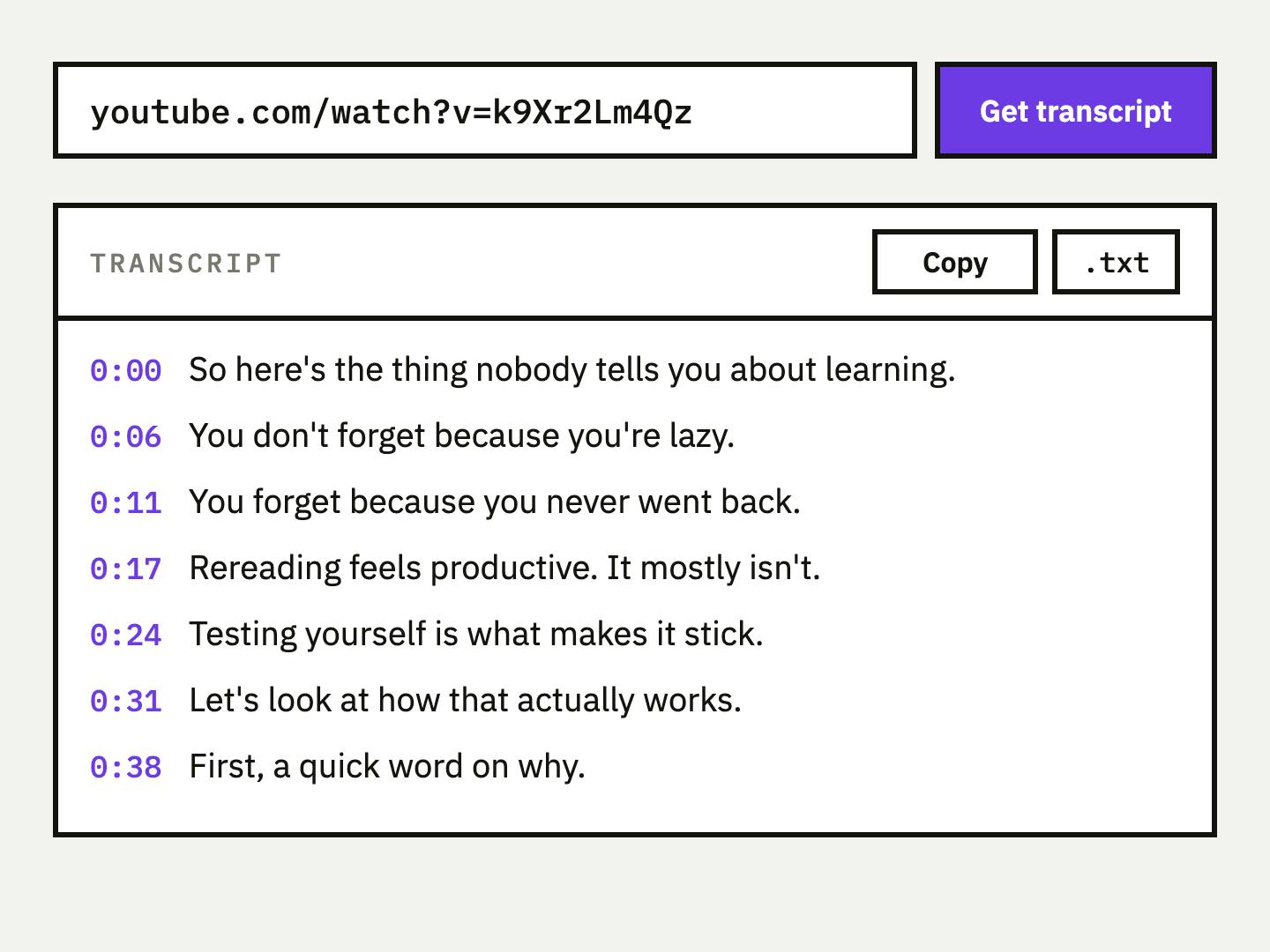
Key Takeaways
- •UpSolo is the quickest route from a link to a finished list. It reads the video's captions and returns 5 to 12 chapters starting at 0:00, ready to paste. It needs no account, but it only handles YouTube links and does not validate a list you type yourself.
- •Only some tools write the titles for you. UpSolo, TimestampAI, ScreenApp and TimeSkip generate titles from a link or file. vidIQ's checker and CollabPals expect you to supply the timestamps, and Mindstamp needs a pasted transcript.
- •Prices differ in shape, not just size. TimestampAI sells credits from $2.49 for 10. ScreenApp lists $19 a month billed annually. Several others are free but gated by sign-in or a daily limit.
- •Every list must follow YouTube's three rules. The first timestamp is 00:00, there are at least three in ascending order, and each chapter lasts at least 10 seconds. A generator that does not check this can hand you a list YouTube silently ignores.
- •Always read the draft before you publish. AI titles can be vague or merge two topics. Spend two minutes renaming and trimming them, since you know the video better than any model does.
What a YouTube chapter generator actually is (and what it is not)
A chapter generator produces the timestamp list that YouTube turns into chapters when you paste it into a video description. Chapters appear as segments on the progress bar and as a clickable list, so viewers can jump to the part they came for. YouTube's own help page sets the rules: the list must start at 00:00, contain at least three timestamps in ascending order, and every chapter must be at least 10 seconds long.
The word "generator" covers three different jobs, and mixing them up is how people pick the wrong tool. An AI writer reads the captions or audio, decides where topics change and names each section. A validator or builder does not decide anything: you mark the times and it formats and checks the list. A converter takes a transcript or subtitle file you already have and turns it into chapters.
What none of these can do is make YouTube display chapters you did not publish. The list has to go in the description of a video you own, so these tools are for creators, with a second use for viewers who want an outline before they commit to an hour of video. They also depend on the source: a video with no captions has nothing for an AI writer to read, and a muddled talk produces muddled chapters. If you want the full publishing workflow, including what to do when chapters do not show up, see how to add chapters to a YouTube video.
How We Ranked These YouTube Chapter Generators
We scored each tool on criteria you can check on its own page, not on taste. We did not time them or run a head-to-head accuracy test, so none of the rankings claim that one tool's titles are better than another's.
| Criterion | What we checked | Why it matters |
|---|---|---|
| Who writes the titles | AI from a link, AI from a file or transcript, or you by hand | Decides how much work is left after you paste the link |
| Free tier and limits | What you can do without paying, and whether an account is needed | Most creators only need a list per upload |
| Price of paid use | Cheapest paid option shown on the vendor's page | Matters if you publish often or batch many videos |
| Input and output | Links, uploads, pasted transcripts, and copy, text, CSV or JSON out | Fits the tool to the files you already have |
| Rule checking | Whether it flags lists that break YouTube's three chapter rules | A broken list means no chapters at all |
The Best YouTube Chapter Generators in 2026
Seven tools made the list. Six accept a video link, file or transcript and give back a list, and one is a pure checker for lists you build yourself. Each entry below says what the tool does, what it costs, and where it is weaker, using only what the vendor shows on its own pages as of October 2026. Ratings and user counts are vendor-displayed unless a source says otherwise.
1. UpSolo, best for a fast AI chapter list from a link
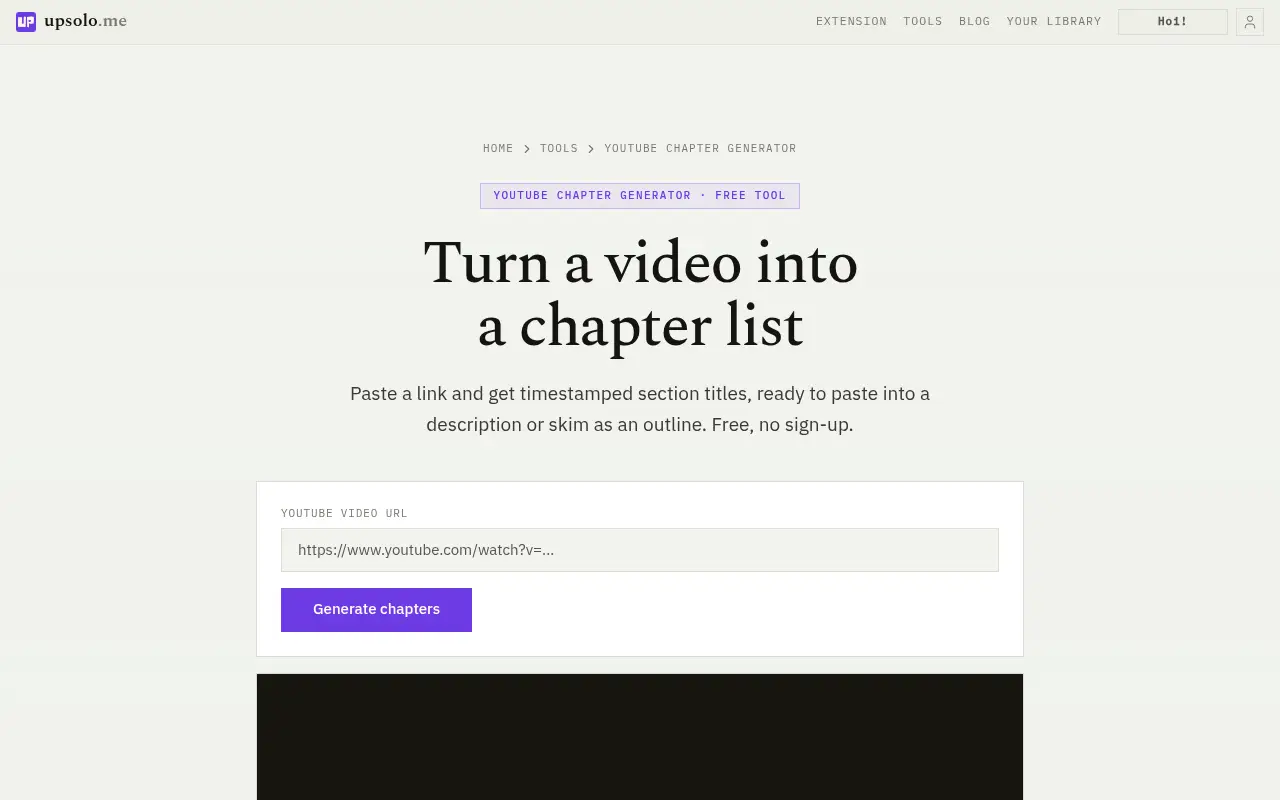
UpSolo's chapter generator takes a YouTube video, Shorts or youtu.be link and builds the chapters from the video's own transcript. You get 5 to 12 section titles, the first always at 0:00, with one-click copy in the "0:00 Title" format or a chapters.txt download. It needs no account.
The free allowance for signed-out visitors is 4 credits a day, resetting at midnight UTC. A chapter list costs 2 credits when the transcript is not already stored and 1 when it is, so expect about two fresh lists a day, or more for videos UpSolo has already processed. A free account gets 10 credits a day, and Pro includes 500 credits a month (see the account page for the current price). One AI action such as a summary, flashcard set or quiz costs 1 credit. What sets it apart is what happens after the list. UpSolo can save the same video to a library with a summary, flashcards, a quiz and a tutor chat, which helps if you are watching a lecture rather than uploading one. The limits are real: it is YouTube only, the video needs captions (auto-generated ones count), there is no CSV, JSON or SRT export for chapters, no file upload or bulk mode, and it will not validate a list you typed yourself. For that, see vidIQ or CollabPals below.
Best suited for: Creators and viewers who want a first-draft chapter list from a YouTube link in one step. It also suits learners who plan to keep studying the video afterwards.
2. vidIQ YouTube Chapter Generator, best for a free rule-checked list you build yourself
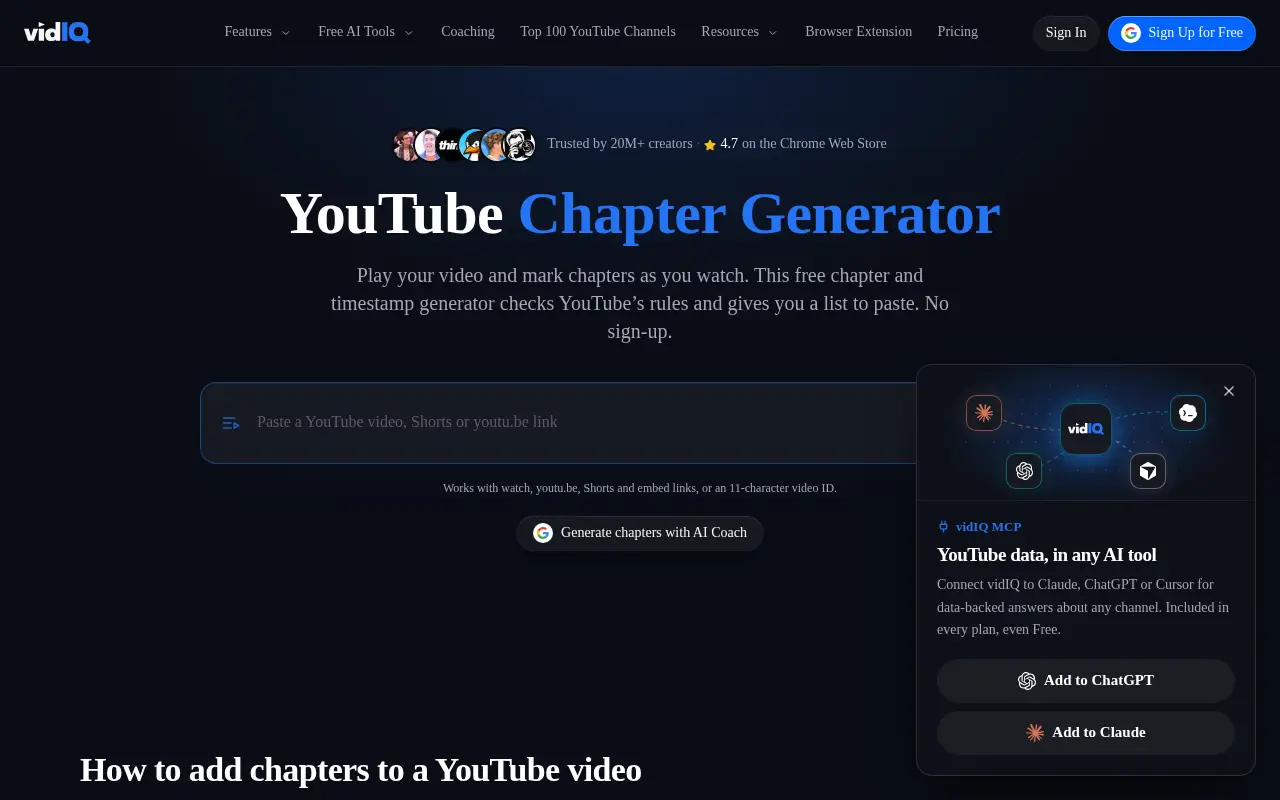
vidIQ's tool works differently from the AI writers here. You play the video, mark chapters as you watch, and write each title yourself. It then checks the list against YouTube's rules and gives you text to paste. The page says "No sign-up" and "Free forever. No credit card needed."
It accepts watch, youtu.be, Shorts and embed links, or an 11-character video ID. It validates the three rules we listed earlier: the first timestamp at 00:00, three or more timestamps in ascending order, and chapters of at least 10 seconds. Output is a copy button or a .txt download, in mm:ss under an hour and h:mm:ss after that. The page links seven language versions: English, French, Spanish, Russian, Portuguese, Turkish and Vietnamese. It states no maximum video length. The page claims "Trusted by 20M+ creators" and "4.7 on the Chrome Web Store". Those are vidIQ's claims about the company and its browser extension, not about this tool specifically. The free editor is fully manual. Separate "AI Coach" links can draft chapters from a video link, but we did not test that. The trade-off is time: marking chapters by hand means watching or scrubbing the video yourself.
Best suited for: Creators who already know where their sections start and want a free checker that catches rule violations. It is also a good second pass on an AI-generated list.
3. TimestampAI, best for pay-as-you-go credits and file uploads
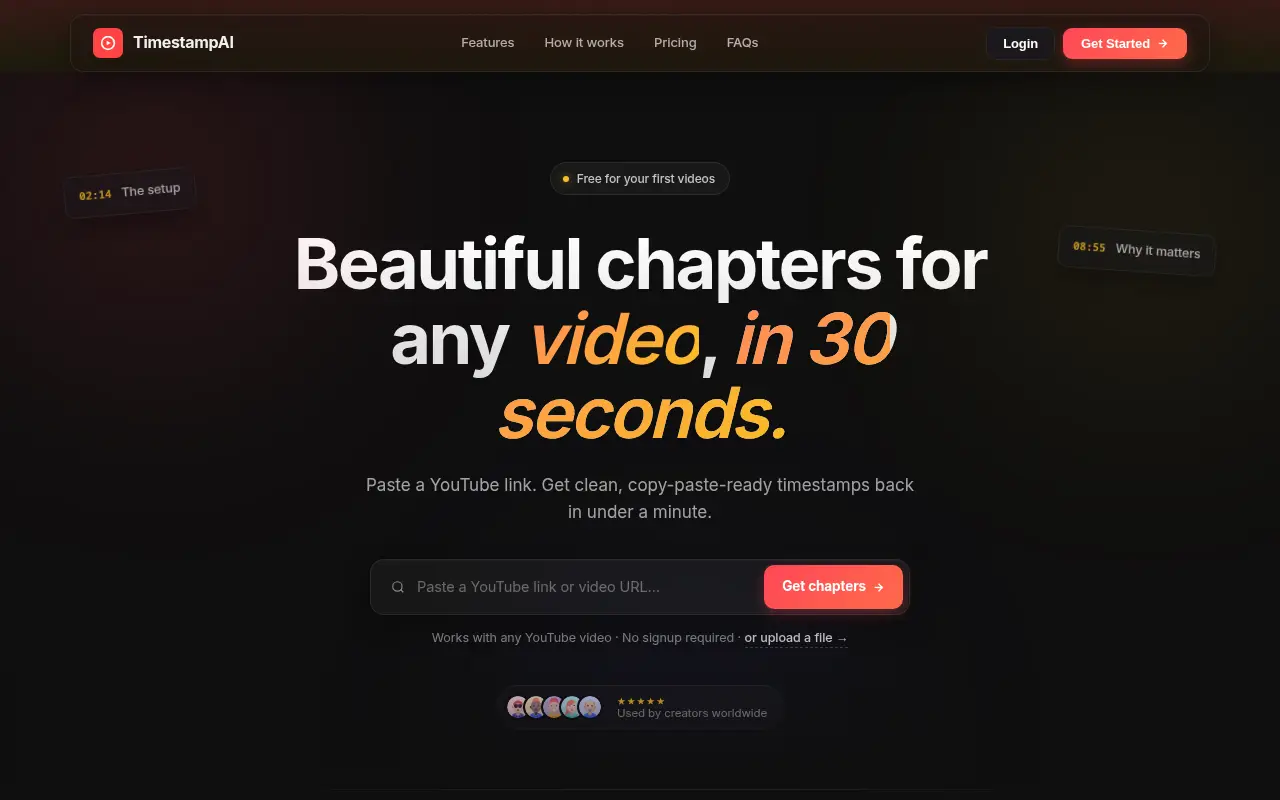
TimestampAI generates chapter timestamps from a YouTube link or an uploaded file in MP4, MOV, AVI, MKV, MP3 or WAV. The homepage says "Free for your first videos" without saying how many, and "No signup required".
Paid use is credit-based with no subscription. One credit buys one generation and credits do not expire. The listed packs are Starter at 10 credits for $2.49, Pro at 50 credits for $9.99 and Business at 200 credits for $29.99, payable by card or crypto. That works out to about 25 cents per video on the smallest pack and 15 cents on the largest. It says it supports 15+ languages. Output is "0:00 Title" lines with one-click copy, plus plain text and Markdown export. The page notes that videos over 60 minutes may take 2 to 3 minutes. The upload size cap is stated inconsistently (5 GB in one place, 2 GB in another), so check before uploading a large file. The page shows testimonials but no aggregate rating, and its speed and view-duration claims have no cited method, so we do not repeat them.
Best suited for: Creators who publish occasionally and would rather buy a few credits than subscribe. It also fits anyone who has a video file but no public link.
4. ScreenApp, best for chapters inside a wider transcription and recording suite
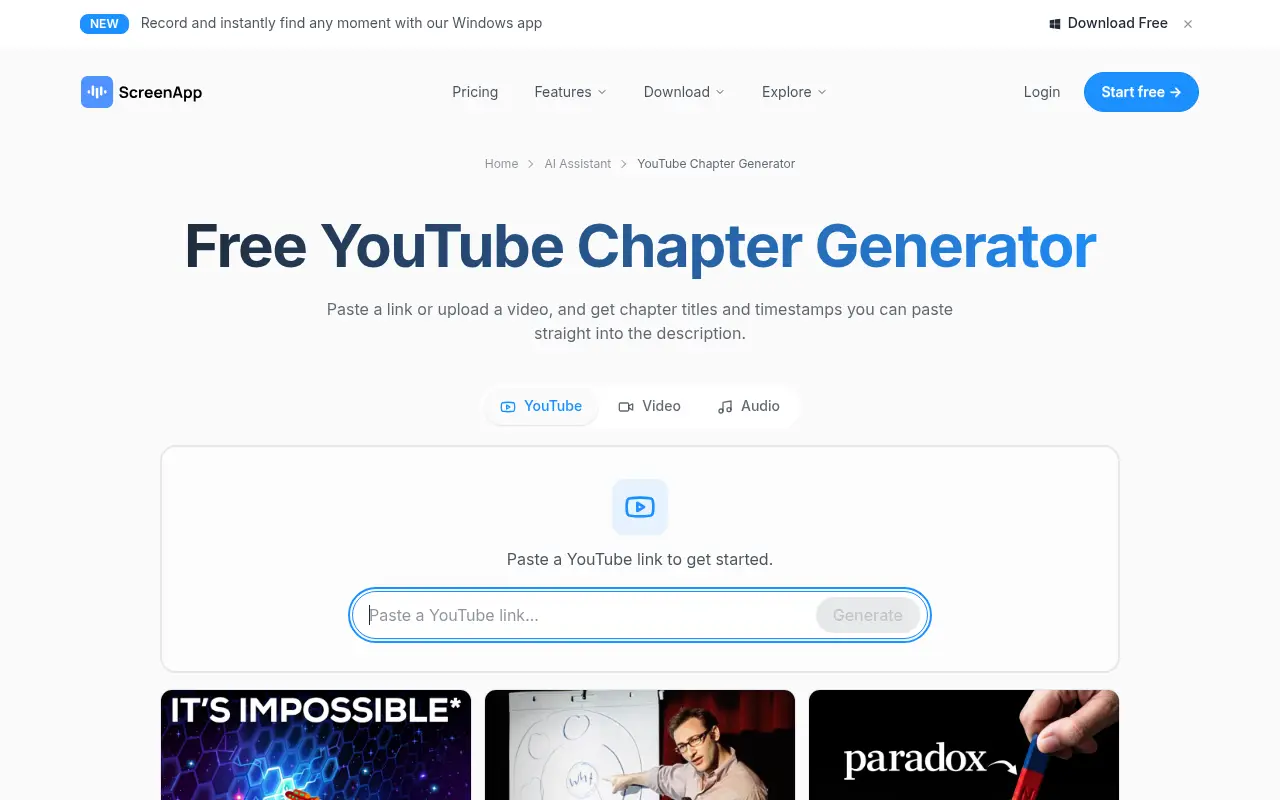
ScreenApp treats chapters as one feature of a broader recording and transcription product. It accepts YouTube links plus video and audio uploads, and returns a timestamp list you copy in YouTube's "0:00 Chapter Title" format. No other export formats are listed for chapters.
The free plan is described as "Free to try, 2 transcriptions of recordings up to 45 minutes each", with a free account required and usage limits applying. The only price on the page is $19 a month billed annually, shown in a comparison table, and paid plans remove the per-recording limit. It claims transcription in 100+ languages, which is a vendor claim we did not test. The page cites ratings for ScreenApp's apps rather than for the chapter tool: Apple App Store 4.0 from 111 ratings, Google Play 3.9 from 794 ratings and Chrome Web Store 4.1 from 71 ratings. It also claims 8,300,141 registered accounts. All of these are vendor-displayed figures. If you only need a chapter list, the two-recording free cap and the account requirement make it heavier than the single-purpose tools here.
Best suited for: Teams that also record meetings or transcribe audio and want chapters from the same account. It is less compelling as a standalone chapter tool.
5. TimeSkip, best for very long videos and search-minded titles
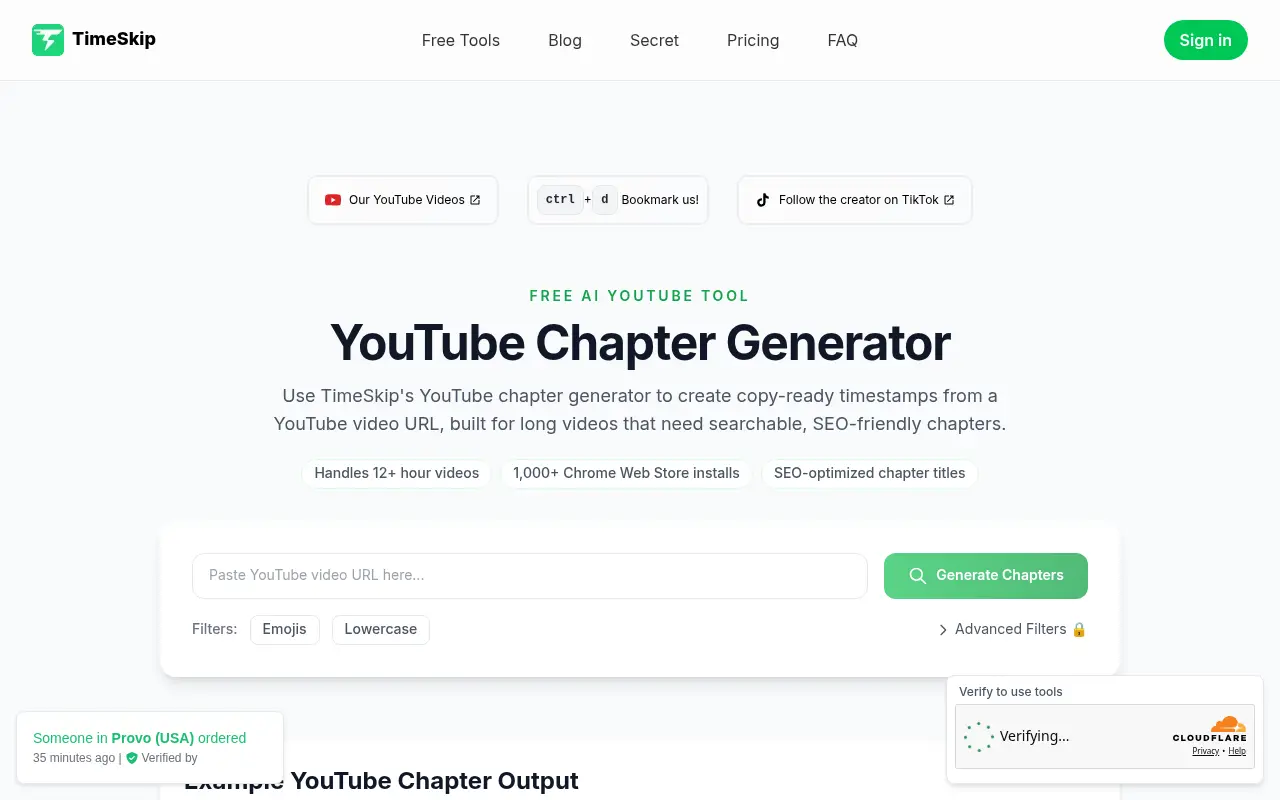
TimeSkip builds copy-ready timestamps from a YouTube URL. The page says "Try for free. No CC required.", but full chapter lists and advanced settings need a Google sign-in or its Chrome extension, and a "Verify to use tools" banner appears near the top.
Its headline claims are "Handles 12+ hour videos" and "1,000+ Chrome Web Store installs". Both are vendor claims, and no star rating is shown. Output is a timestamp list in MM:SS or HH:MM:SS, with optional filters such as emojis and lowercase. The "Advanced Filters" are locked behind sign-in. We could not find a price. The page has a pricing section but no visible plan prices, so we state none. If cost matters, confirm it on the vendor's site before you build a workflow around it.
Best suited for: Creators with multi-hour recordings who want chapter titles written with search in mind. Check what the free tier covers once you sign in, since the page shows no prices.
6. Mindstamp Video Chapter Generator, best when you already have a timestamped transcript
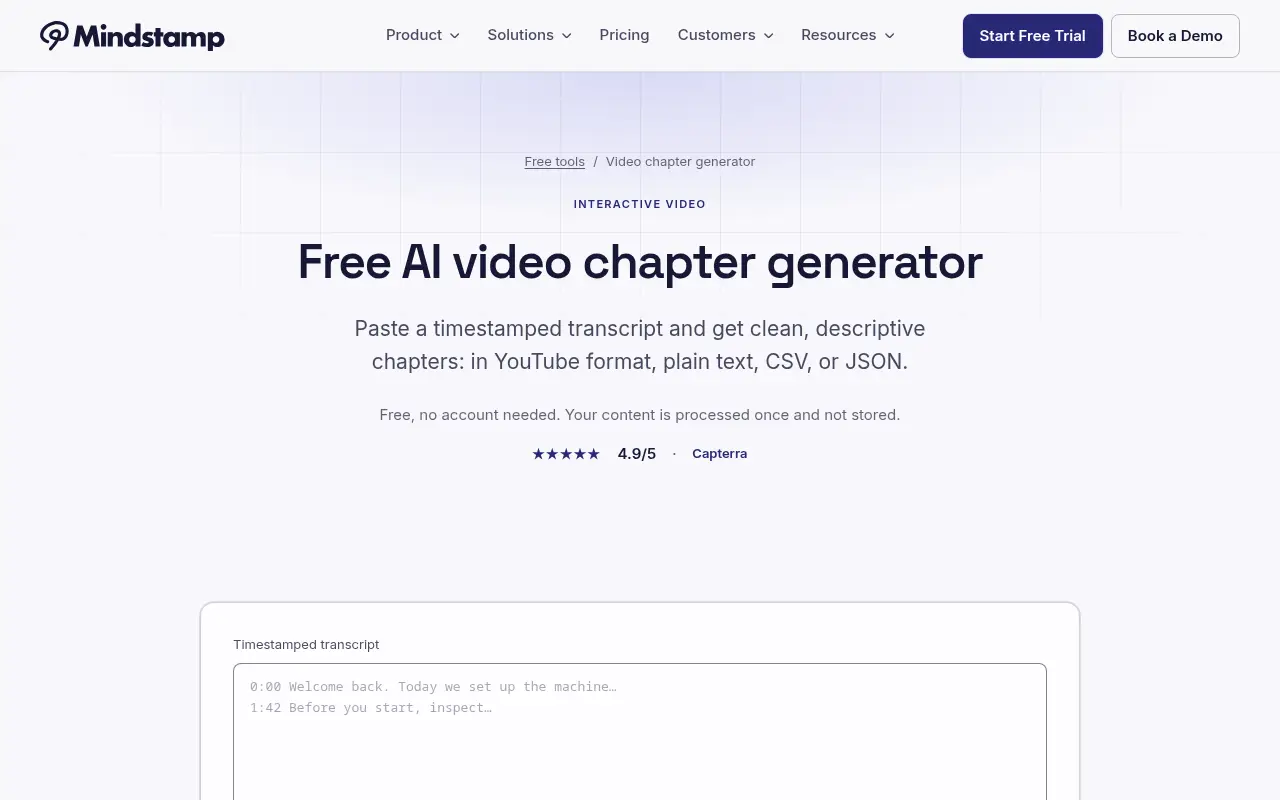
Mindstamp's generator does not take a video link. You paste a timestamped transcript and it writes AI chapter titles from that text. The page says "Free, no account needed. Your content is processed once and not stored." and lists no usage cap.
Its output options are the widest here: YouTube description format, plain text, CSV and JSON. It also flags lists that break YouTube's rules, namely starting at 0:00, having three or more chapters and keeping each at least 10 seconds long. The CSV and JSON exports are useful if chapters feed a spreadsheet, a video player or a CMS. The page shows 4.9 out of 5 attributed to Capterra. It is vendor-displayed and we did not check it on Capterra, so treat it as a claim. The catch is the input: you need a transcript with timestamps first, from a caption file or another tool. Our guide to getting a YouTube transcript covers the ways to do that.
Best suited for: People who already hold an SRT-style or timestamped transcript and want clean AI titles in CSV or JSON. It is the least convenient option if you only have a link.
7. CollabPals YouTube Chapter Generator, best for a free no-limit builder with templates
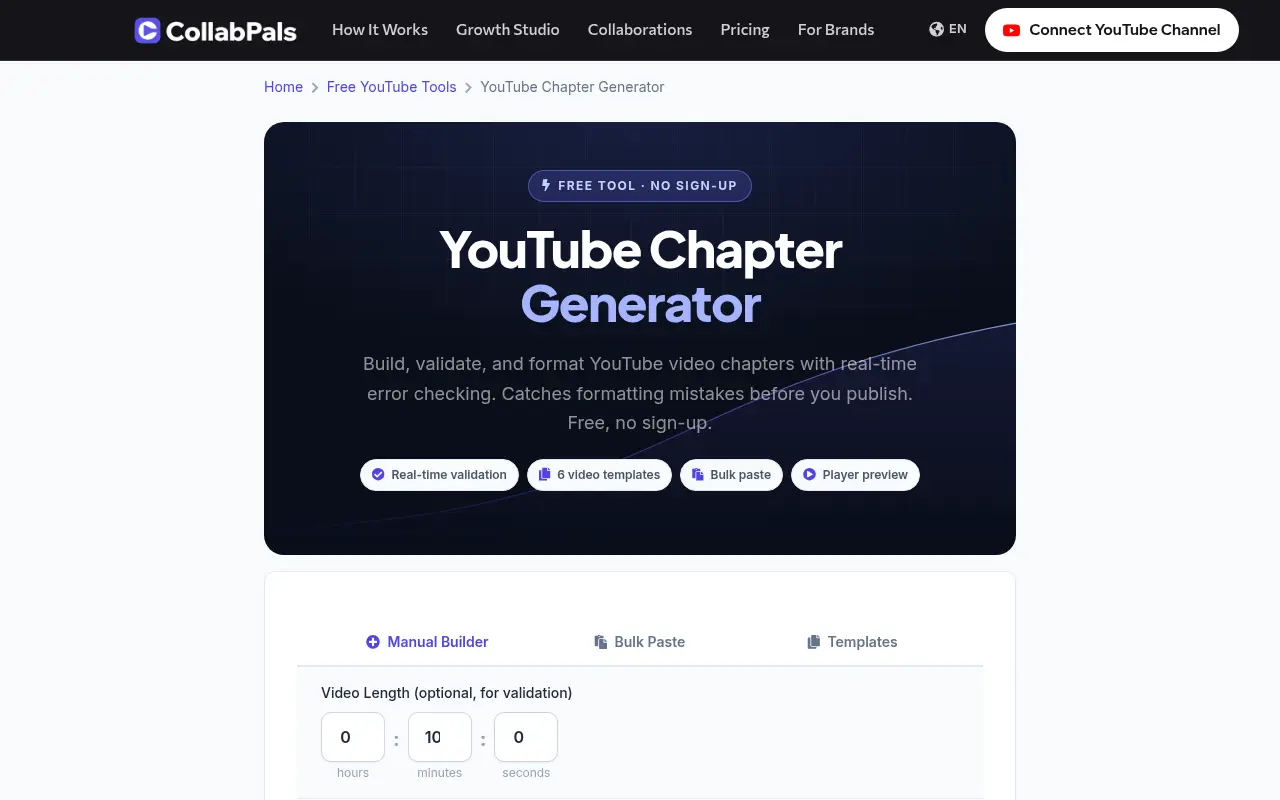
CollabPals is a manual toolkit. It offers a builder, a bulk-paste reformatter for messy lists, six video templates (Tutorial, Review, Vlog, Podcast/Interview, Cooking and Gaming) and a YouTube-style preview with simulated progress-bar markers. The chapter generator is not described as AI-powered, and validation and formatting run locally in your browser.
Its FAQ states "100% free with no signup, no email, and no usage limits". Output options are copy, copy as plain text, download .txt and share. It recommends titles under 50 characters, caps titles at 100 characters and shows a 5,000-character description counter. The page cites "375,000+ creators" for the CollabPals platform overall, not for this tool. Since you supply the timestamps, it will not save you the time of finding the topic changes. Its value is tidying a list you already wrote, checking it and previewing it before you paste it into YouTube. Templates give a starting structure, but real topic breaks are specific to your video.
Best suited for: Creators who note timestamps while editing and want a free formatter and validator with no limits. It pairs well with an AI draft from another tool.
Side-by-Side Comparison
Here are the five criteria applied to every tool. "Not stated" means the vendor's page did not say, not that the answer is no.
| Tool | Who writes titles | Input | Free tier | Cheapest paid option | Output formats | Checks YouTube rules |
|---|---|---|---|---|---|---|
| UpSolo | AI, from captions | YouTube link | No account; 4 credits a day (2 per fresh list) | Pro plan, 500 credits a month (price on the account page) | Copy, chapters.txt | Output always starts at 0:00; no checker for typed lists |
| vidIQ | You (AI Coach button separate) | YouTube link or ID | Free, no sign-up | None needed for this tool | Copy, .txt | Yes |
| TimestampAI | AI | YouTube link or file upload | "First videos" free, count not stated | $2.49 for 10 credits | Copy, plain text, Markdown | Not stated |
| ScreenApp | AI | YouTube link or upload | 2 recordings up to 45 min, account needed | $19 a month billed annually | Copy in 0:00 format | Not stated |
| TimeSkip | AI | YouTube link | Trial; sign-in or extension for full lists | Not shown on page | Copy, MM:SS or HH:MM:SS | Not stated |
| Mindstamp | AI, from pasted transcript | Timestamped transcript | Free, no account, no cap listed | None needed | YouTube format, text, CSV, JSON | Yes |
| CollabPals | You | Manual or pasted list | Free, no limits stated | None needed | Copy, plain text, .txt, share | Yes (real-time validator) |
Which YouTube chapter generator fits your use case
| If you are... | Best pick | Why | Watch out for |
|---|---|---|---|
| A creator who wants a draft from a link | UpSolo | Link in, 5 to 12 titles out, no account | YouTube only; a few lists a day |
| A creator who knows the timestamps | vidIQ or CollabPals | Free rule checking and formatting | You write the titles |
| Someone with a video file or no public link | TimestampAI | Accepts MP4, MOV, MP3 and more; credits do not expire | Free video count not stated |
| Someone who already has a transcript | Mindstamp | Pastes in, exports CSV and JSON | No link input |
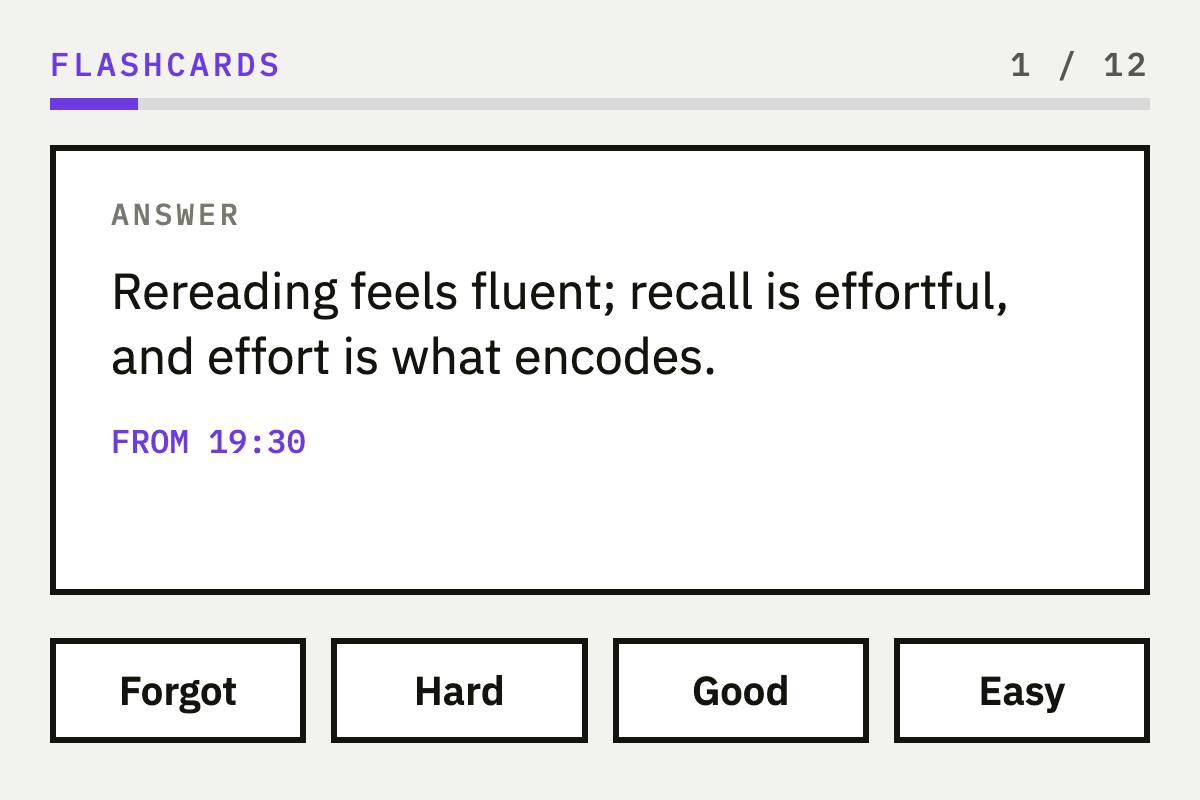
| A learner who wants an outline, then flashcards | UpSolo | Same video can become a summary, flashcards and a quiz | Credits per AI action |
| An editor with an SRT or VTT file | AutoEdit's free tool | Rule-based and runs in the browser; text is not sent anywhere | Needs timecodes; not AI |
What results look like
UpSolo has no case studies or customer numbers to show, so here is what the tool produces instead. For a captioned lecture, the output is a plain list of 5 to 12 lines, each a timestamp followed by a short section title, with the first line at 0:00. You paste it into the description, and YouTube turns it into clickable chapters if the list meets its three rules.
0:00 Intro and what we cover
2:41 First main idea
9:15 Worked example
17:02 Common mistakes
24:30 Recap and next stepsTreat the result as a draft. Check that each timestamp lands where the topic actually changes, rename vague titles and drop a chapter if two sections are really one. If you want to go further, our guide to summarizing a long YouTube video shows how the same transcript becomes a recap. You can browse the other free options on the tools page or read more on the blog.
FAQ
What are the requirements for YouTube chapters?
The first timestamp must be 00:00, the description needs at least three timestamps in ascending order, and each chapter must be at least 10 seconds long. If any rule is broken, YouTube shows no chapters for that video.
How do I generate timestamps for a YouTube video automatically?
Paste the link into an AI tool such as UpSolo's chapter generator, which reads the captions and returns a timestamped list. Then copy it into your description and edit the titles.
Is there a free AI YouTube chapter generator?
Yes, UpSolo's tool is free with no account but limited to a few lists a day. TimestampAI says its first videos are free, and Mindstamp is free if you already have a timestamped transcript.
Why are my YouTube chapters not showing up?
Usually the list breaks a rule: it does not start at 00:00, has fewer than three timestamps or has a chapter under 10 seconds. Our guide to adding chapters to a YouTube video covers other causes.
Can I generate chapters for someone else's YouTube video?
You can generate a list for any captioned video to use as an outline, but only the video's owner can add chapters to its description. For your own study, you can save the outline with your notes.
How many chapters should a YouTube video have?
YouTube sets a minimum of three and no maximum, and the right number follows how many distinct topics the video covers. UpSolo's tool returns 5 to 12, which suits most videos from a few minutes to a few hours.
Do I need captions for an AI chapter generator to work?
Link-based tools such as UpSolo read the video's captions, and auto-generated ones count. Tools that take a file upload, like TimestampAI, can work without them.
Try UpSolo for free (no credit card required)
A chapter list is useful, but most people also want to remember what the video said. UpSolo builds the list from the video's real transcript, so the titles follow what the speaker covered. The free tool needs no account, and a free account adds 10 credits a day for summaries, flashcards and quizzes. Nothing here needs a card. Paste a video link into the free chapter generator and see the list in a few seconds.
How to Add Chapters to a YouTube Video (Timestamp Rules + Examples)
YouTube's exact chapter rules, a copy-paste description format, auto chapters versus manual ones, and fixes for when your chapters do not show.
Read the articleHow to Summarize a YouTube Video (Even a 2-Hour One)
How to summarize a YouTube video fast: check chapters, skim the transcript, use an AI summarizer, and judge whether the summary can be trusted.
Read the articleBest YouTube Transcript Generators in 2026: the buyer's shortlist
Six YouTube transcript generators compared on price, free limits, export formats, languages and timestamps, with UpSolo's free tool first and honest strengths for every rival.
Read the articleBest YouTube Video Summarizers in 2026: the buyer's shortlist
Five YouTube video summarizers compared on price, free limits, timestamps and where they run, with the store ratings we could verify as of October 2026.
Read the article- YouTube Help: Add chapters to videos
- YouTube Creators: How to Add Chapters to Your Videos Using Timestamps
- vidIQ YouTube Chapter Generator
- TimestampAI
- ScreenApp AI YouTube Chapter Generator
- TimeSkip YouTube Chapter Generator
- Mindstamp Video Chapter Generator
- CollabPals YouTube Chapter Generator
- AutoEdit Free YouTube Chapter Generator
Chapters in seconds, then study the video
Create a free account for 10 credits a day to turn the same video into a summary, flashcards and a quiz.
Keep reading
Best YouTube Video Summarizers in 2026: the buyer's shortlist
Five YouTube video summarizers compared on price, free limits, timestamps and where they run, with the store ratings we could verify as of October 2026.
Read the articleBest YouTube Transcript Generators in 2026: the buyer's shortlist
Six YouTube transcript generators compared on price, free limits, export formats, languages and timestamps, with UpSolo's free tool first and honest strengths for every rival.
Read the articleHow to Export a YouTube Playlist to a Spreadsheet (CSV, Excel, Google Sheets)
Turn a YouTube, Vimeo or Dailymotion playlist into a CSV you can open in Excel or Google Sheets, with every title, link and duration, in about a minute.
Read the articleNext video you watch, keep something from it
Free credits every day, no card required.